The Ultimate Budget YouTube Studio Setup – Pro Video Under $300
Have you ever wondered how a budget YouTube studio setup could completely transform the quality of your videos without draining your bank account? In an era where high-quality content dominates digital platforms, the assumption that professional results require professional prices is no longer true.
Imagine creating videos that rival top YouTubers’ production value for less than the cost of a weekend getaway. Advances in camera technology, audio gear, and lighting equipment have made it possible for everyday creators to achieve stunning results on a budget. All it takes is smart planning, a little creativity, and knowing exactly where to invest your money.
So, what’s stopping you from starting today? Whether you’re a retiree looking to share your expertise, a business owner aiming to market your products, or simply someone passionate about storytelling, this guide will walk you through everything you need — from choosing the cheap YouTube camera to mastering DIY lighting for videos — so you can launch with confidence and style.

Why Building a Budget YouTube Studio Setup Doesn’t Have to Break the Bank
1.The Rise of Affordable Content Creation
Over the past decade, the cost of creating professional-looking videos has plummeted. Affordable gear has opened the door for countless new voices online. With careful selection, a small affordable tripod or entry-level camera can produce results once only achievable with thousands in equipment.
2.How Budget Gear Can Still Deliver Pro Results
Modern technology means you can prioritize skill over spending. The key lies in knowing how to get the most from your equipment. Correct lighting placement, clear sound capture, and sharp focus will make your videos stand out regardless of gear price.
Essential Components of a Budget YouTube Studio Setup
1.Choosing a Cheap YouTube Camera Without Sacrificing Quality
A camera is often the largest investment in your setup. Fortunately, high-quality options are available in the used market and even in your pocket — modern smartphones offer excellent recording capabilities. Once you’re ready to publish, you can learn strategies for gaining your first thousand subscribers to make your content reach the right audience.
Recommended Options:
| Camera/Phone | Price Range | Key Features |
|---|---|---|
| Canon EOS M50 (used) | $250–$300 | Interchangeable lenses, 1080p & 4K video |
| iPhone 11 or newer | $200–$300 | 4K resolution, cinematic mode |
| Samsung Galaxy S20 | $180–$250 | Pro video mode, HDR |
Best Budget Microphone for Crisp Audio
A best budget microphone can drastically improve viewer retention. Lavalier mics are discreet, USB mics are simple to use, and shotgun mics capture rich, directional audio. Keep your mic close, avoid echo-prone rooms, and test before recording.
DIY Lighting for Videos That Looks Professional
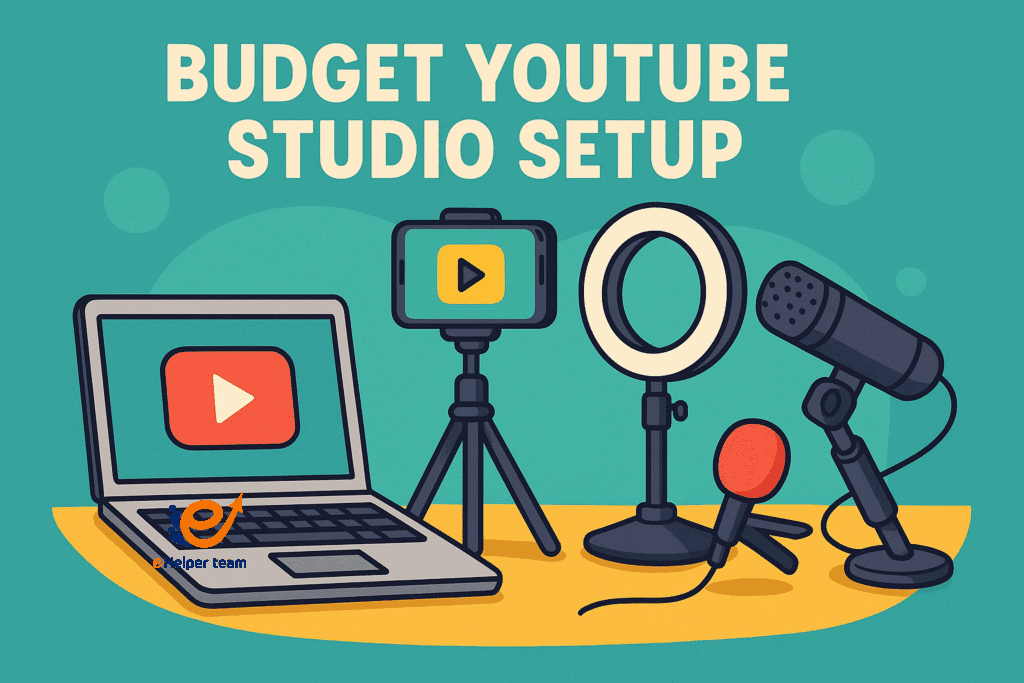
Lighting can elevate your visuals from average to stunning. Desk lamps with daylight bulbs, clip-on LED panels, and reflectors can mimic studio lighting for a fraction of the cost.
Example Low-Cost Lighting Kit:
Two LED panels ($60)
One ring light ($20)
Foam board reflector ($5)
Smartphone Filming Setup for Maximum Portability
For those always on the move, a smartphone filming setup can be ideal. Add a tripod mount, clip-on mic, and a small LED light, and you’re ready to film anywhere.
Affordable Tripod Options for Steady Shots
Even the best visuals are ruined by shaky footage. Sturdy tripods can be found for under $30. Consider tabletop tripods for compact spaces or collapsible models for easy storage.
Step-by-Step Guide to Assembling Your Studio for Under $300
1.Allocating Your Budget Wisely
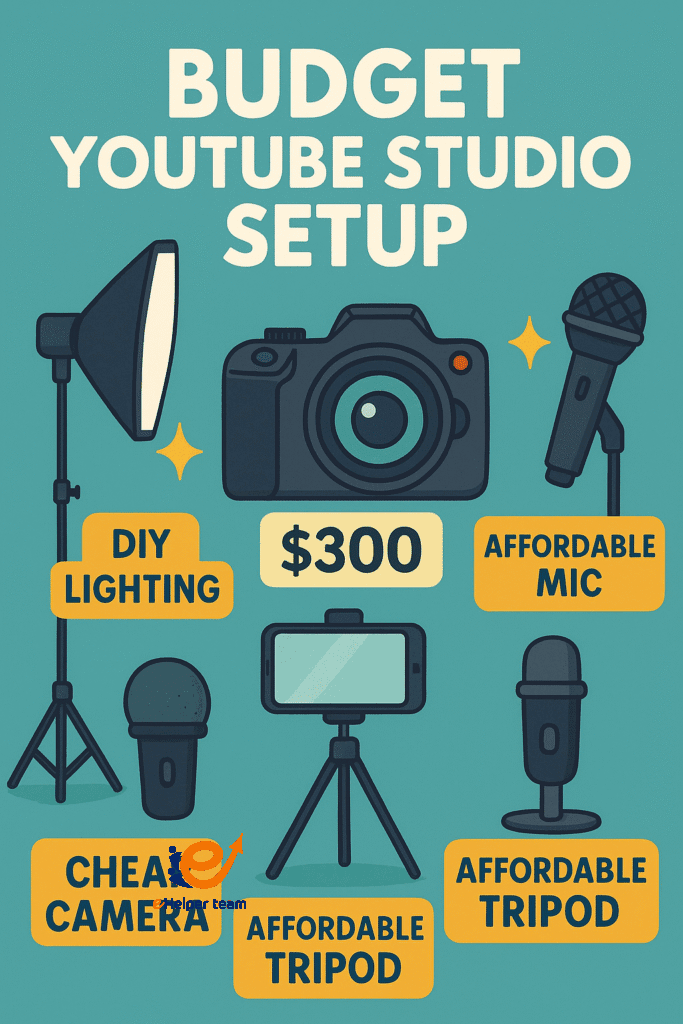
Here’s one way to distribute your budget:
| Gear | Allocation |
|---|---|
| Camera/Phone | $150 |
| Microphone | $50 |
| Lighting | $50 |
| Tripod | $30 |
| Backdrop & Misc. | $20 |
Position your subject away from walls to avoid harsh shadows
Use light-colored backdrops for brightness
Keep gear compact to reduce clutter
3.Cable Management and Space Optimization
Velcro ties, under-desk cable trays, and concealed mounts keep your workspace clean and distraction-free.
Boosting Your Channel After Setting Up Your Studio
1. Creating Engaging Content Consistently
A great setup is only valuable if you use it regularly. Set an upload schedule and stick to it.
Using Social Media to Promote Your Videos
Cut highlights into 30-second clips for Instagram Reels or TikTok to draw traffic to your channel.
Leveraging Cross-Platform Growth Strategies
For paid promotion, check the YouTube Ads guide to reach more potential viewers faster.
Real-World Case Study: From Zero to 10K Subscribers
A creator in the UK built a channel with a $250 setup: used DSLR, $25 mic, $15 lights. Eight months later, they reached 10K subscribers through consistent uploads and optimized titles.
Common Mistakes to Avoid
Overspending on cameras while neglecting audio
Ignoring lighting setup
Skipping test recordings
Additional Tools and Software
Free editing software like DaVinci Resolve
Stock music libraries for background audio
Free design tools for thumbnails
Before FAQs
Check out these free YouTube view sources to boost your new content.
Advanced Tips to Elevate Your Budget YouTube Studio Setup
Optimizing Acoustics Without Buying Costly Panels
While microphones are crucial for sound quality, the acoustics of your room can dramatically affect the end result. Instead of purchasing expensive acoustic foam, try these budget-friendly solutions:
Thick Curtains: Hang them behind and beside your filming area to absorb echoes.
Rugs and Carpets: Cover hard floors to prevent sound reflections.
Bookshelves: A full shelf acts as a natural diffuser, breaking up sound waves.
These small adjustments can give your audio a warmer, more professional tone without increasing your budget.
Creative Background Ideas That Cost Almost Nothing
Your background tells a story about your channel. Instead of investing in pricey backdrops:
DIY Fabric Backdrop: Buy inexpensive fabric in a solid color and stretch it over a frame or hang it from a curtain rod.
Green Screen Cloth: A simple green cloth can open up possibilities for virtual backgrounds during editing.
Seasonal Decor: Small changes in background elements — like adding plants, themed posters, or LED string lights — keep your set visually interesting for returning viewers.
Batch Filming for Efficiency
If you want to maintain consistency without feeling overwhelmed, batch filming is your friend.
Plan 3–4 scripts in one week
Film them all in a single day when your setup is ready
Edit and schedule uploads in advance
This approach reduces setup time, keeps visual style consistent, and frees up your calendar for other creative tasks.
Power Management and Backup Solutions
Unexpected battery drain or power loss can interrupt a recording session. To avoid this:
Use AC Adapters: Many cameras have dummy battery adapters to plug directly into an outlet.
External Power Banks: Ideal for smartphone filming setups, allowing hours of extra recording time.
Surge Protectors: Protect your lighting and recording gear from electrical surges.
Leveraging Free Online Resources for Skill Growth
While you may already know how to set up your gear, improving your filming, lighting, and editing skills will multiply your results.
Lighting Techniques: Learn about 3-point lighting, Rembrandt lighting, and natural light usage.
Framing and Composition: Follow the rule of thirds or experiment with symmetrical framing for artistic shots.
Editing Mastery: Take free courses on color grading, sound mixing, and motion graphics.
You can explore the YouTube platform’s official help center to better understand features like playlists, analytics, and audience retention tools.
Repurposing Content Across Platforms
Your main video can serve multiple purposes:
Cut highlights for Instagram Reels
Create a short version for TikTok
Extract audio for a podcast episode
Turn tips into a carousel post for LinkedIn
This multi-format strategy maximizes the value of each recording session, giving you more exposure without extra filming.
Tracking Performance to Guide Future Purchases
Rather than upgrading gear blindly, track which videos perform best:
Use YouTube Analytics to see watch time, audience retention, and click-through rate.
If videos with better lighting have longer retention, prioritize a lighting upgrade.
If viewers drop off during noisy parts, improve your audio next.
FAQs
Q1: Can I make a pro studio under $300.
Yes. Smart spending and skill can produce outstanding results.
Q2: Should I focus on audio or lighting first?
Audio often matters more for viewer retention.
Q3: How do I make my background look better?
Use simple backdrops, shelving, or soft lighting.
Q4: What free tools help with editing?
DaVinci Resolve, Shotcut, and Lightworks.
Q5: Is paid promotion worth it?
Yes, especially to kickstart growth when combined with organic strategies.
Conclusion
Creating a professional-looking YouTube channel doesn’t have to be an expensive dream. With a well-planned budget YouTube studio setup, you can achieve high-quality video and audio for under $300, all while keeping your creative vision intact. The real secret lies not in the price tag of your gear but in how effectively you use it — from setting up good lighting and optimizing acoustics to presenting engaging content consistently.


